
In production at Navigare-Sport AS
Turn spreadsheets into perfectly aligned barcode labels.
Every row is a label waiting to be printed. Cloudlabels turns spreadsheets, CSVs, and Shopify catalogs into print-ready barcode labels - designed once, printed by the thousand, on Avery & HERMA sheets. No plugins, no desktop software, no measuring with a ruler.
Edit a cell. The label reprints. The barcode is a real Code 128.
From a paying customer
“Cloudlabels has become essential to our operations. It keeps barcode labels and shipping marks centralized, easy to manage, and fast to print.”
Pay for labels,
not for seats you don't use.
- 20 items, 20 labels / month
- 300 DPI with small watermark
- Full Design Center access
- 1 user
- 2,000 labels over 90 days
- 600 DPI, no watermark
- Perfect for a season or launch
- No recurring charge, ever
- Up to 25,000 items
- Unlimited labels, 600 DPI
- Shopify sync included
- 7-day trial, no card needed
- Up to 250,000 items
- Up to 10 team members
- All modules included
- Priority support
Enterprise - 10+ users, invoicing, white-label, dedicated onboarding → talk to sales · full pricing
Three steps.
One press run.
Feed it your dataReceived
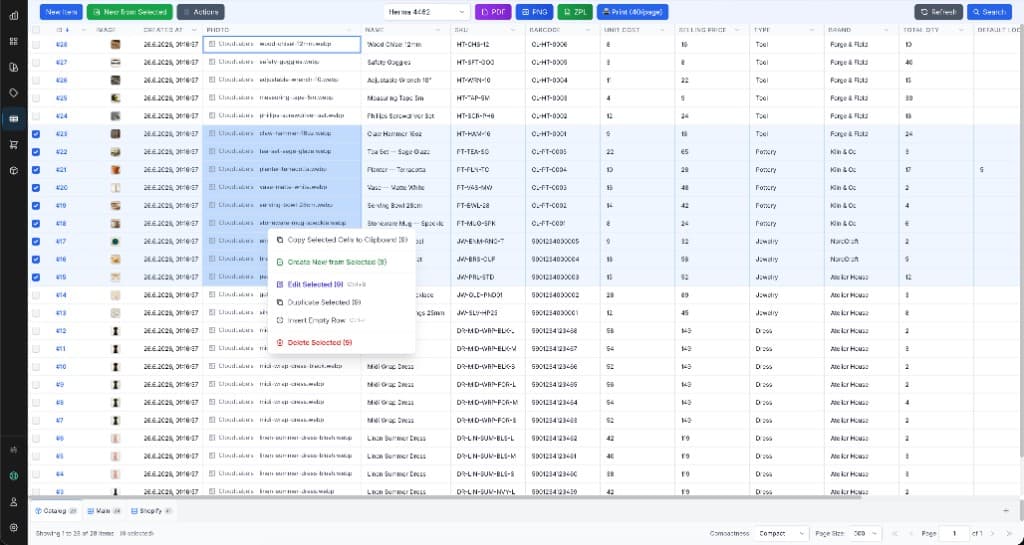
Drop in an Excel file, a CSV, or connect Shopify and pull your whole catalog. Field mapping is automatic - product names, SKUs, prices, and variants land in a built-in spreadsheet you can edit in place.
Design the label onceApproved
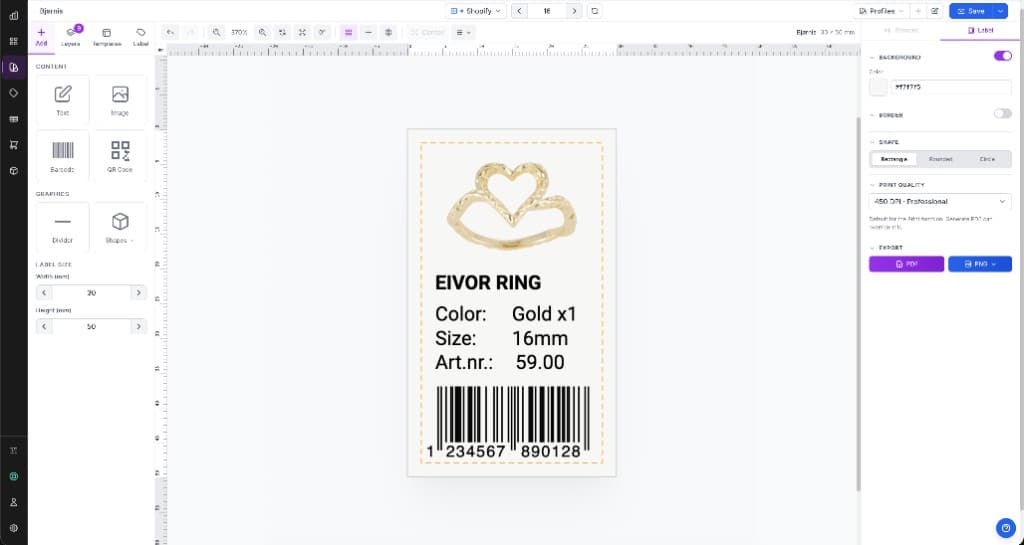
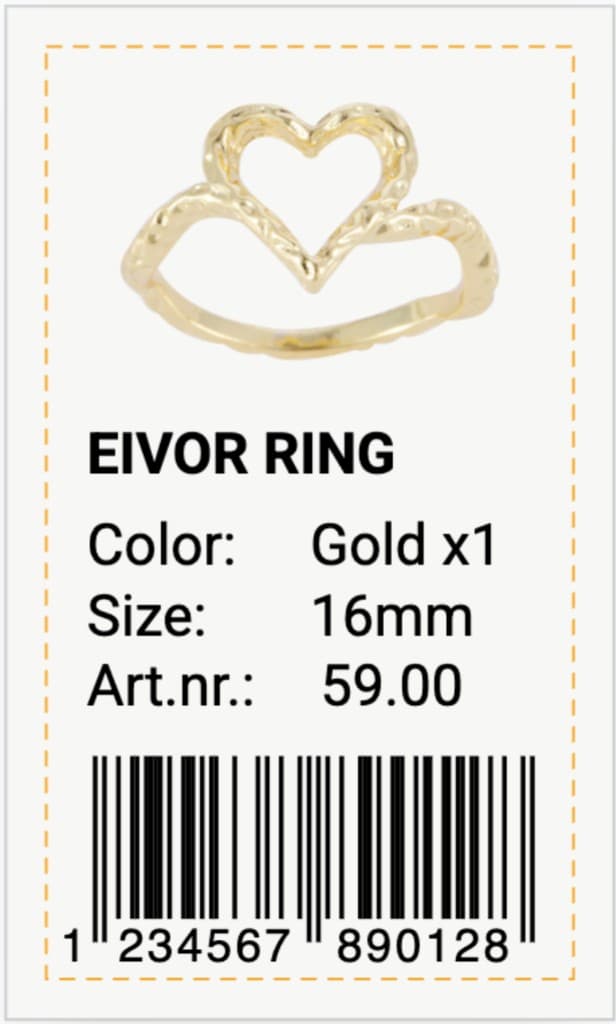
Drag text, barcodes, QR codes, and images onto the canvas in the Design Center. Bind each element to a column - the layout stays fixed while the data flows through it. 41 fonts, 8 barcode symbologies, live preview.
Print the whole batchShipped
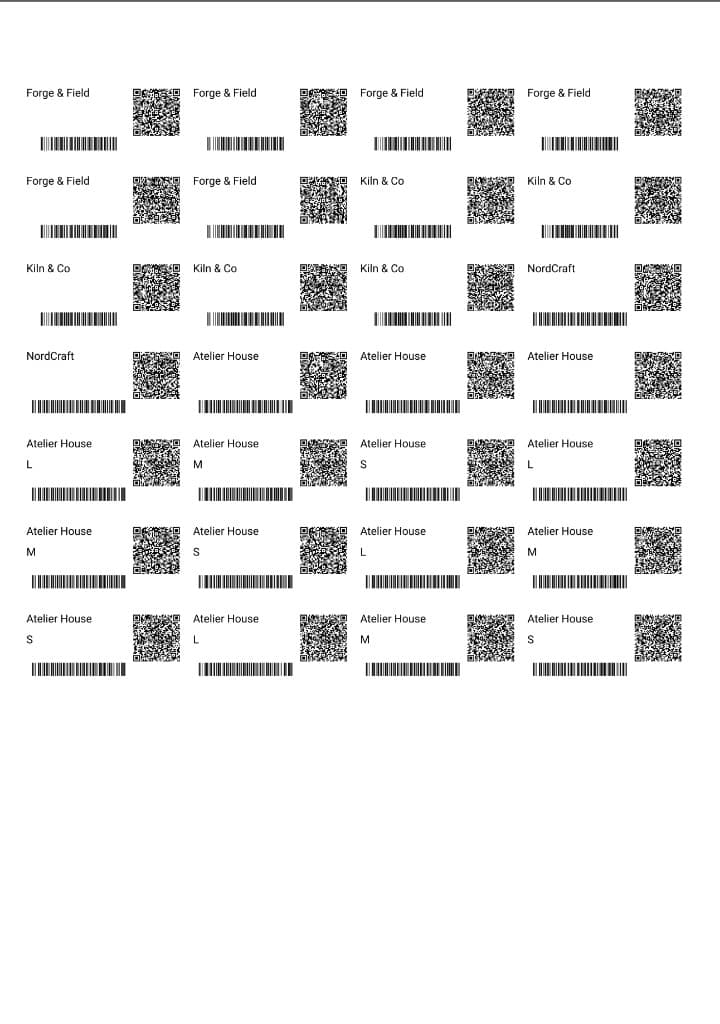
Select rows, pick your Avery or HERMA sheet code, and export a 600 DPI print-ready PDF. Start from any position on a partly used sheet - no wasted labels. Every barcode is verified scannable before it hits the page.
What you can print.
Print-ready PDFs
Paid plans export at 600 DPI. Barcodes go out as vectors, so they stay sharp on laser, inkjet, or thermal. Free plan exports at 300 DPI.
The codes shops actually scan
EAN-13, UPC-A, CODE-128, Code 39, DataMatrix, GS1 DataMatrix, EAN-8, UPC-E, and QR. Quiet zones are built in.
Pick the sheet code
Choose the product code on the pack. Each label lands inside the die-cut. Custom sizes if you are not on a branded sheet.
Finish a partly used sheet
Resume at position 3, or wherever you left off. The rest of the sheet still prints. One layout fills as many rows as you select.
Drop in the spreadsheet
Product names, SKUs, prices, and variants map into columns you can edit in place. No copy-paste into Word.
Pull the catalog, push edits
Products and variants come in from the store. Field mapping stays yours. Changes can go back the other way.
Every row is a label
Bind text and barcodes to columns. The layout stays put while the catalog flows through it. Reprint any row later.
Nothing to install
Open it on the warehouse laptop or the office Mac. Templates and data stay in the account, not on one machine.
The actual press,
photographed today.
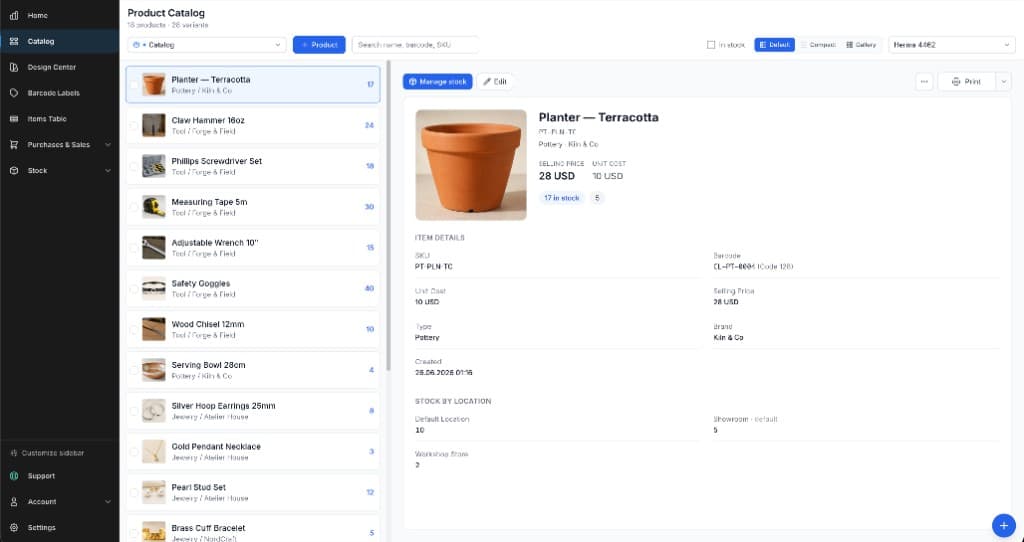
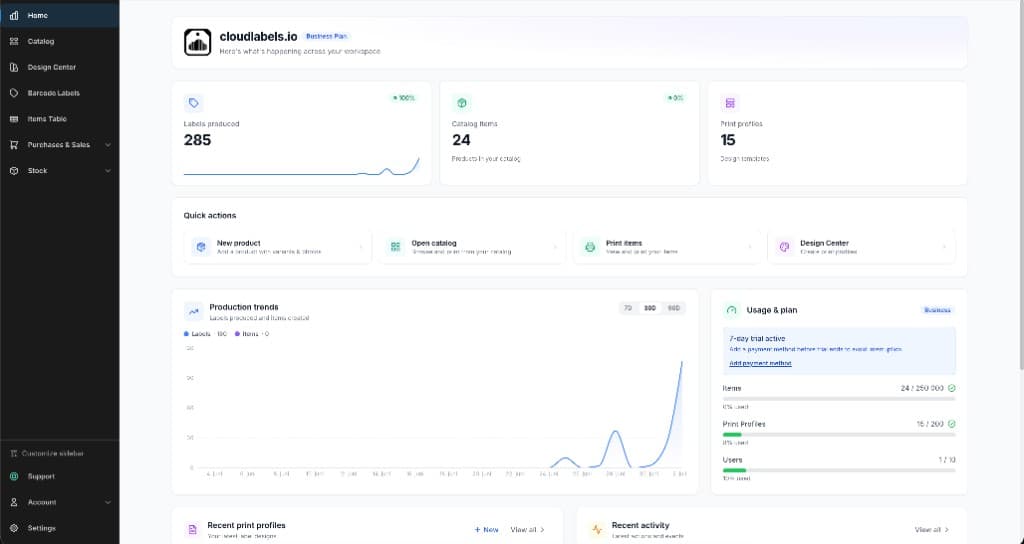
It grows with the shelf.
Labels are where it starts - not where it ends. Cloudlabels quietly becomes the system of record for the things you just labeled. Switch each module on when you're ready for it; ignore it until then.
Product Catalog
- Visual browser✓
- Variants & images✓
- Price fields✓
- Print from card✓
Stock
- In / out movements✓
- Locations & bins✓
- Full ledger history✓
- Low-stock signals✓
Purchases & Sales
- Purchase orders✓
- Sales & returns✓
- Suppliers✓
- Customers✓
iOS Scanner
- Camera scanning✓
- Scan-to-sheet✓
- Brother printing✓
- Works offline✓
Barcode Label Maker - Frequently Asked Questions
Everything you need to know about Cloudlabels. Can't find the answer you're looking for? Contact our support team.
Getting your data into Cloudlabels is quick and flexible:
- Excel Import - Direct .xlsx file support with automatic field mapping
- CSV Import - Upload from Google Sheets or any spreadsheet application
- Manual Entry - Add items directly in our built-in spreadsheet interface
Export your data back to Excel or CSV anytime. All data is securely stored with automatic backups.
Ready to get started?
Start creating professional barcode labels today. Sign up in 30 seconds.
7-day Pro trial · No credit card · Cancel anytime